
Website
Install App


There is No Customer Care Number
There is No Customer Care Number
Important Links
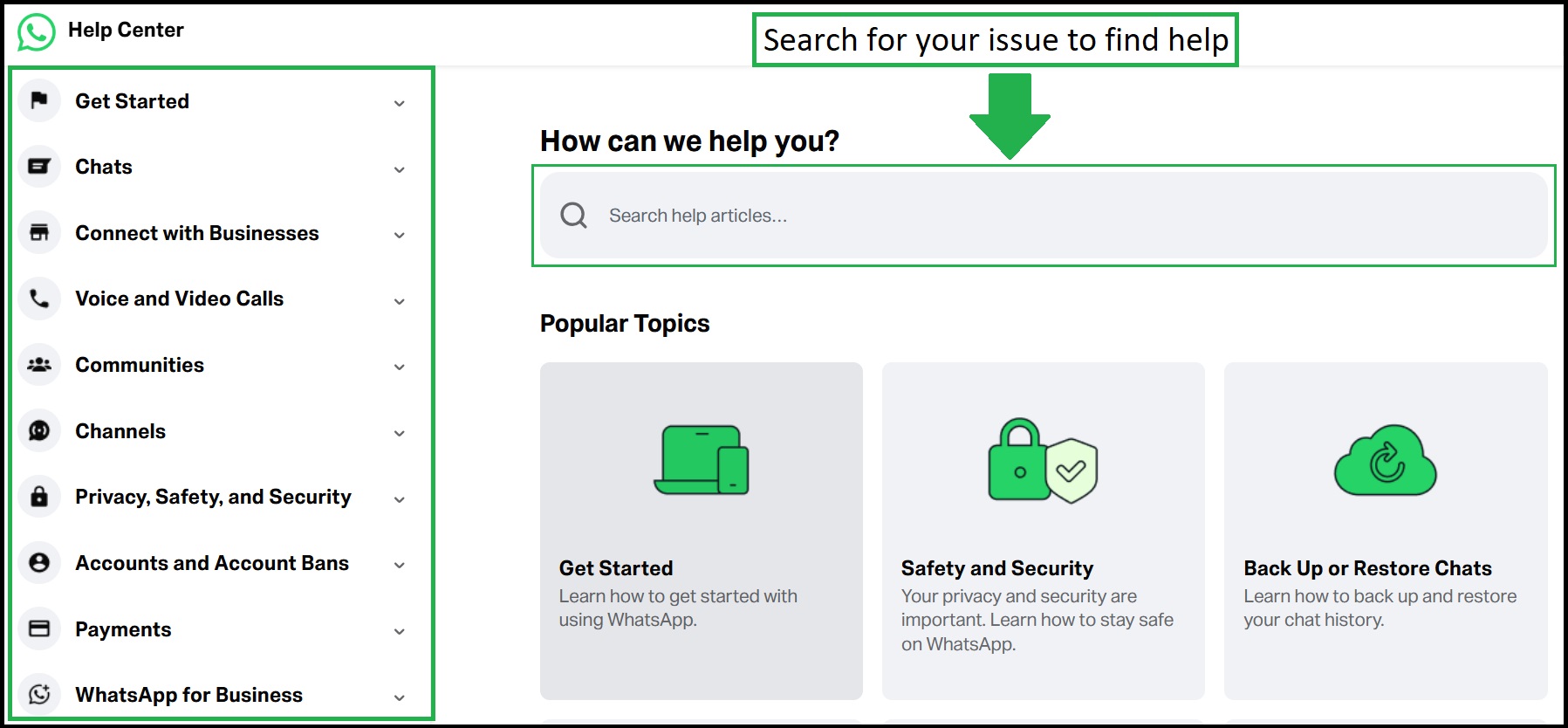
Important Emails
| Sr No. | Service | |
|---|---|---|
| 1 | Accessibility Related Issue | accessibility@support.whatsapp.com |
| 2 | For WhatsApp Business | smb@support.whatsapp.com |
How to Contact WhatsApp Support ?
- Open WhatsApp → Settings → Help → Help Center or Contact Us.
- Describe your issue and attach screenshots if required.
- You can also visit the WhatsApp Help Center for troubleshooting guides.
How to Recover a Banned WhatsApp Account?
- Tap "Request a Review" on the ban message screen and wait 24-48 hours for WhatsApp's response.
- Visit WhatsApp , select "My account was banned" and submit a request.
- Uninstall any unofficial WhatsApp versions and switch to the official app immediately.
- If the "Request Review" option is unavailable, the ban is final and cannot be appealed.
Temporarily Banned Accounts
If you received a message that your account is “Temporarily banned” this could mean you are using an Unofficial Version of WhatsApp or harvesting information, known as scraping.
- Uninstall any unofficial/modified WhatsApp build and any add-ons that connect to it. Install the official app from your Google Play and App Store .
- Wait for the temporary ban to expire, then sign in only using the official WhatsApp App.
Comments