
Website
Install App


There is no customer care number
Quick Link
How To Cancel LinkedIn Premium ?
- Log in to your LinkedIn account on the web or open the LinkedIn App .
- Click your Profile icon (Me) in the top right navigation bar.
- Select "Premium features" and tap on "Manage subscription".
- Locate the Purchases section and click on ""Active subscription".
- Click "Cancel subscription" and follow the remaining on-screen prompts and click Confirm cancel.
Customer Support Through LinkedIn App
- Open the LinkedIn App and log in to your account.
- Tap your "Profile icon" in the top-left corner.
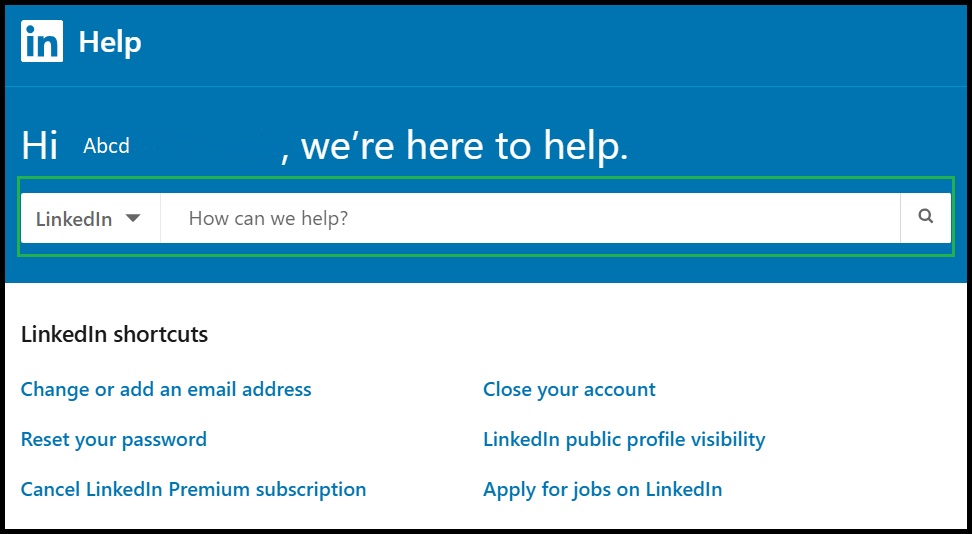
- Select "Settings" and tap on "Help Center".
- Search your issue or select "Contact Us" if the option appears.
- Select Chat with support to initiate live chat (Premium members may also see a Start Chat option).
Registered Office
LinkedIn Technology UK Limited
The Ray, 123 Farringdon Road,
London, EC1R 3DA,
United Kingdom
Comments