
Website
Install App


Quick Link
Important Contact Details
| Sr No. | Service | Contact Detail |
|---|---|---|
| 1 | For Technical/Accessibility Issues | accessibility@indeed.com |
| 2 | For Employer Support (Client Success) | 0800 652 9825 |
Customer Support Through Indeed App
- Open the Indeed App and log in to your account.
- Tap the three-line "Menu" icon or (Profile icon) on your screen.
- Scroll down and tap on "Help" or ("Help Centre").
- Search your issue or select "Contact Support" from the options.
- Tap "Still have questions" to fill out the support form and submit your request.
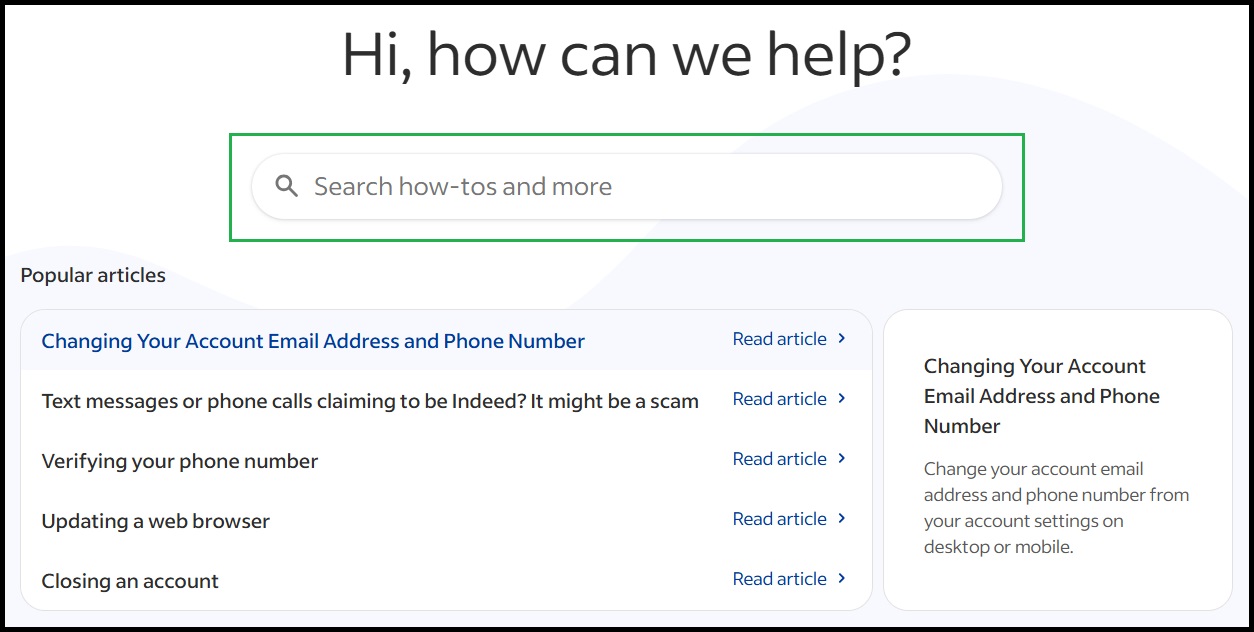
How do I Change my Account Details ?
- Open the Indeed App or Website and log in to your account.
- Tap your "Profile icon" (or the three-line menu) in the top-right corner.
- Select "Account settings" from the dropdown menu.
- Tap "Change Email" or "Change Phone Number" next to the detail you want to update.
- Enter your new details and type in the verification code sent to your email or phone to confirm the change.
Registered Office
Indeed UK Operations Limited
Ground Floor,
20 Farringdon Road,
London, EC1M 3HE
Comments